

Mark scripts in minutes, not hours.
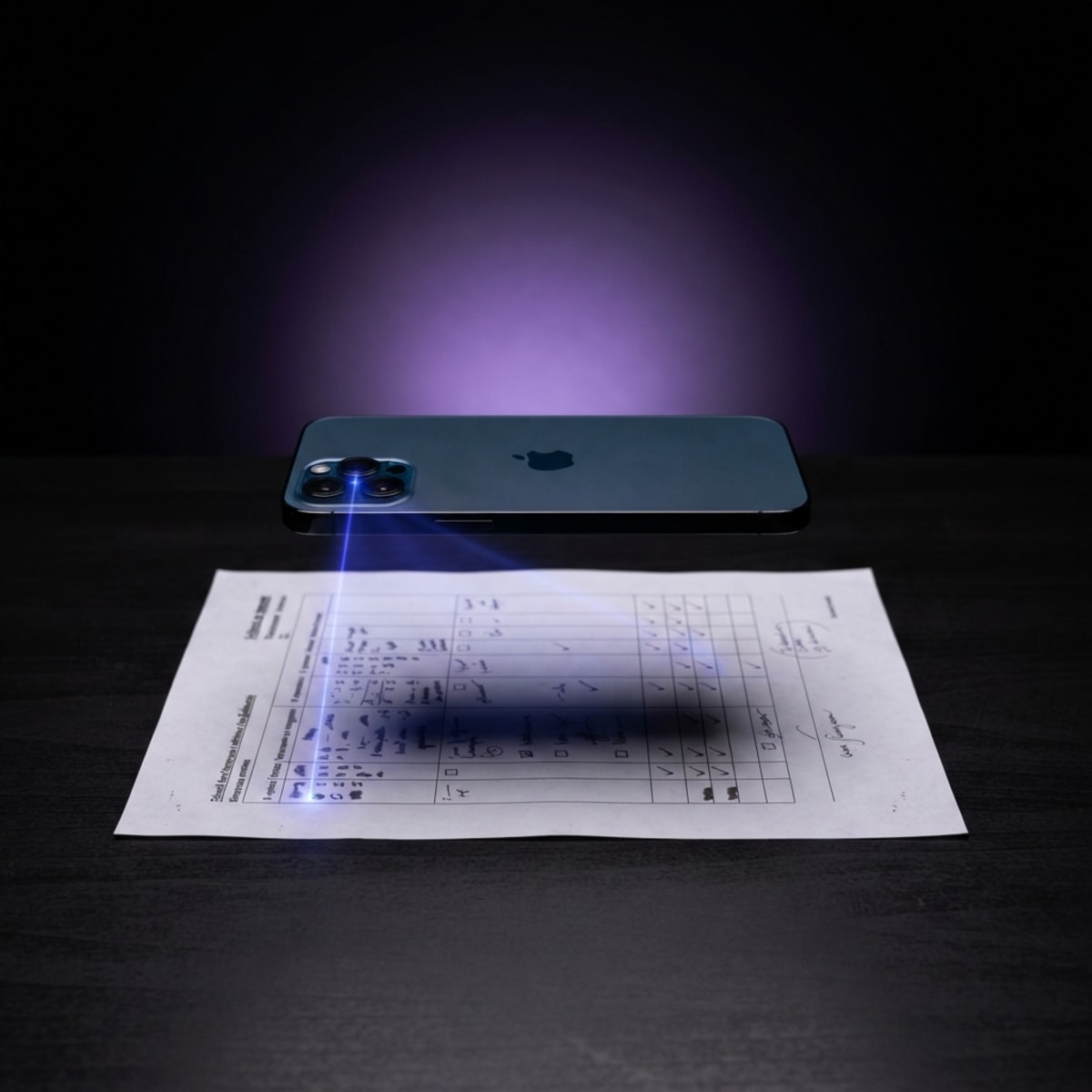
Snap your memo and a student script. Baseline drafts CAPS-aligned marks you review and approve.
From memo to class insight in four steps
Scan scripts with the companion app, let Baseline draft the marks, then open the web dashboard to see how your class is really doing.
Set Up the Test
Capture the test details and scan your memo so Baseline knows exactly what to mark against — or skip the memo and let AI infer the structure.
Capture test details
Enter subject, grade, and total marks in seconds.
Scan memo or let AI handle it
Photograph your memorandum once, or skip and let AI infer mark allocations from the scripts.
Verify & Scan Scripts
Confirm the rubric is right before any mark is awarded. Add per-question guidance for the AI, then scan scripts — one at a time or the whole class at once.
Verify and annotate the memo
Adjust per-question marks and add marking notes or guidance to help the AI understand what to look for.
Scan one script or the whole class
Use the companion app to capture scripts. Works for a single student or bulk scanning the entire class.

AI Drafts — You Decide
Baseline drafts marks for every question in minutes. You review, edit, and approve. Low-confidence reads are flagged so nothing slips through.
AI drafts marks per question
CAPS cognitive levels and CA rules applied automatically. Draft marks ready in minutes.
Teacher reviews and approves
Edit any mark, approve question by question, and get AI insights on how the test went.

Understand Your Class
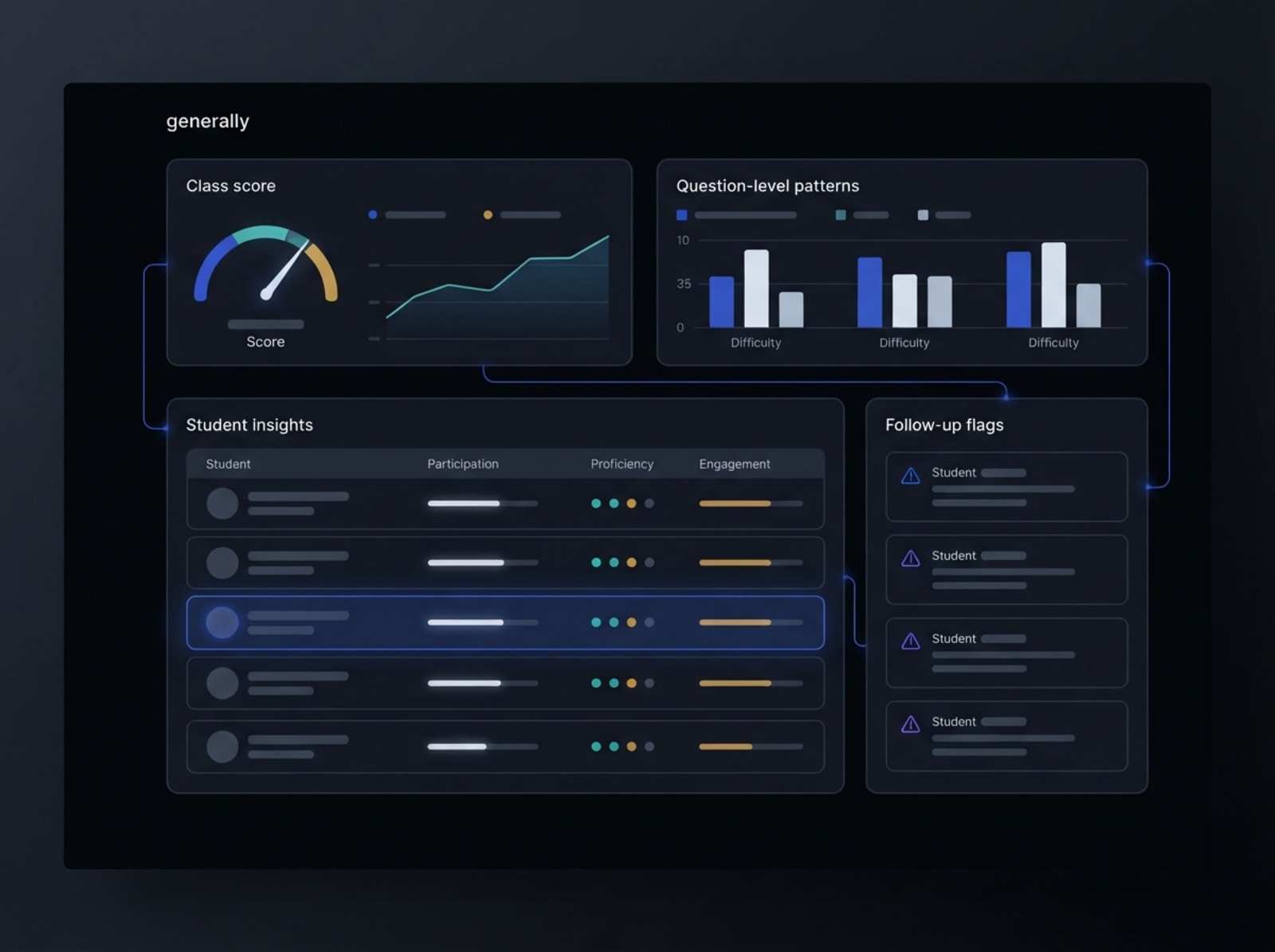
The web dashboard turns marked scripts into class intelligence. See which questions tripped students up, which concepts need revisiting, and which students need extra help.
Class and student reporting
Instant overview of how the class performed — averages, distributions, and who needs follow-up.
Question and concept-level insight
Drill into which questions and underlying concepts the class is struggling with, before your next lesson.
Less time marking. More time knowing how your class is doing.
CAPS & CA Intelligence
Applies CAPS cognitive levels and handles Consistent Accuracy (CA) marking forks automatically — so nuanced marking decisions are handled correctly, every time.
Companion App for Scanning
No scanner hardware needed. Use the Baseline companion app to capture scripts with your phone camera — then review and approve marks in Baseline.
Memo-Driven Accuracy
Grades against your actual uploaded memorandum, not generic rubrics or LLM guesses.
Class Reporting & Insights
The web dashboard turns marked scripts into class intelligence. See overall performance, drill into question-level trends, and identify the students who need follow-up — all in one place.
Draft Marks in Minutes
Baseline reads your memo and drafts marks for every question across the whole class. What used to take hours during marking season now takes minutes — with every draft ready for your review.
~15s
Per script
3
Flags raised
29
Ready to approve
Teacher in Control
Baseline drafts, you approve. Every mark can be edited, and low-confidence reads are flagged for human review.
Draft marks in minutes. You stay in control.
Baseline understands nuanced marking rules. If a student makes an early calculation error but applies the correct method afterward, CA rules kick in automatically — flagged for your final review, never decided without you.
- Transcribes handwritten working steps
- Applies Consistent Accuracy (CA) rules
- Flags low-confidence reads for your review
- AI insights on how the test went overall
Minutes, Not Hours
Draft marks in a fraction of marking season time
Companion App for Scanning
Capture scripts with your phone, no scanner needed
Know Your Class
See which questions and concepts trip students up

Know how your class is doing
Once scripts are marked on the app, the web dashboard turns results into class intelligence — question-level trends, concept gaps, and the students who need your attention most.
Batch Marking
Cache the memo once and scan the whole class. Use the companion app as a camera peripheral while the session runs on your laptop.
Class Reporting Dashboard
See how your class is doing at a glance. Question-level trends and concept-level insight show exactly where students are struggling — before your next lesson.
SA-SAMS Export
Skip the manual data entry. Export verified marks directly into SA-SAMS compatible formats ready for upload.
Scan scripts directly from your phone
The Baseline companion app turns your phone camera into a scanning station. Whether you are marking at school or working through a pile of scripts at home late at night, you do not need a scanner or any extra hardware.
Phone as your scanner
Point, snap, done. The companion app handles script capture so Baseline can draft the marks.
Mark anywhere, any time
Late-night marking at home? The companion app goes wherever you do — no desk setup required.
Scanning companion, web for the rest
The app handles capture and the marking flow. Head to the web dashboard for class reporting, analytics, and SA-SAMS export.
Ready to save time this marking season?
Join the waitlist and be first to access Baseline when it opens. Marking season should not mean late nights buried in scripts.